Desk Screen – Dimensions, Height & Placement
A desk screen looks like a simple add-on. It isn’t. The dimensions, height, and placement determine whether it actually does anything useful or just takes up desk space. This guide covers how to choose the right screen based on your desk setup, how to place it for different working situations, and what the difference is between mounted and freestanding models.
Why dimensions and placement matter
A desk screen does three things at once: dampens sound, reduces visual distractions, and gives the workspace a defined boundary. Each of those requires something different from the screen. Acoustic performance depends on surface area and material. Visual screening depends on height relative to eye level when seated. And whether the screen feels proportionate to the desk depends on how its width matches the desk width. Get one of those wrong and the screen underperforms, even if the spec looks fine on paper.
Getting the width right
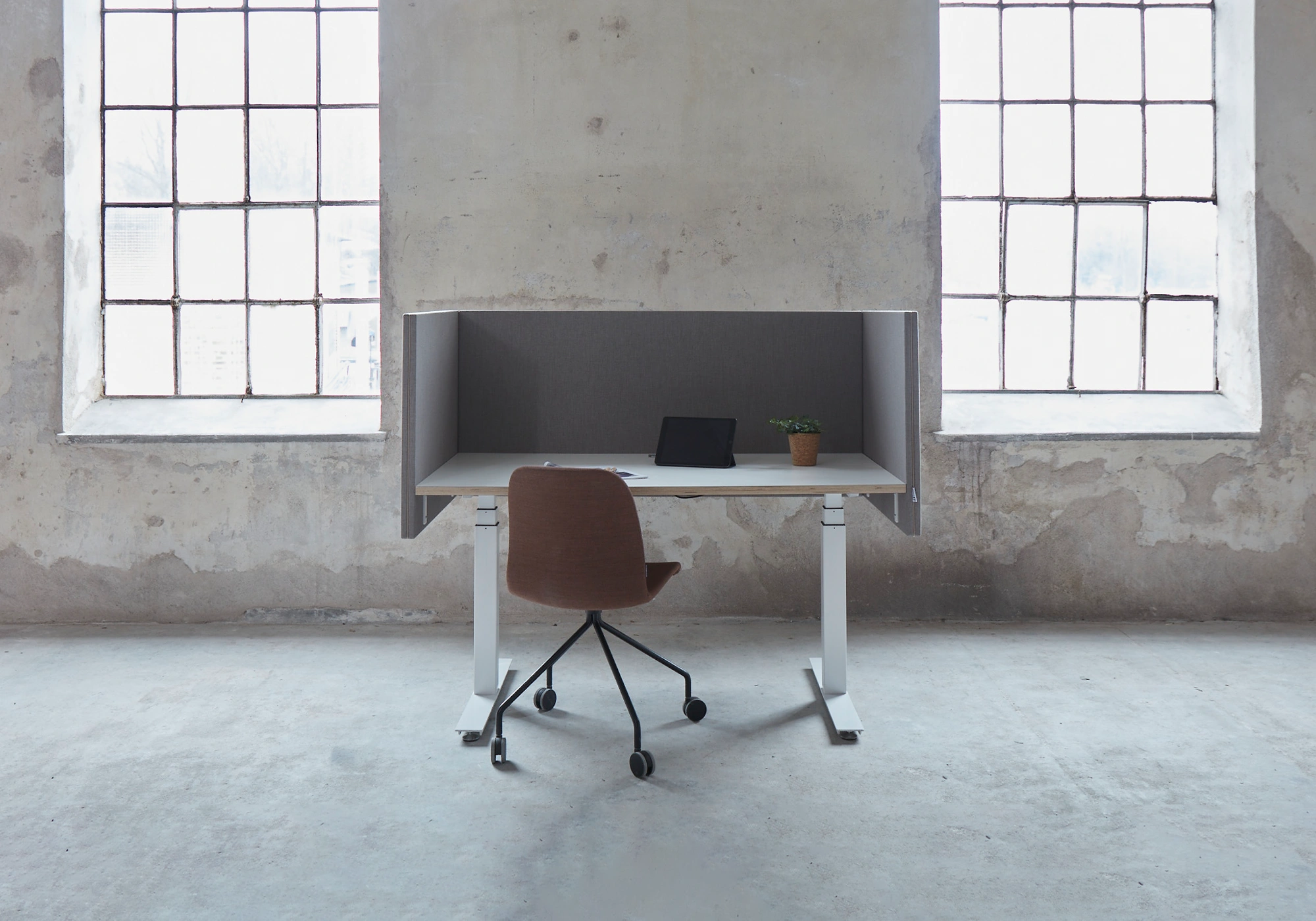
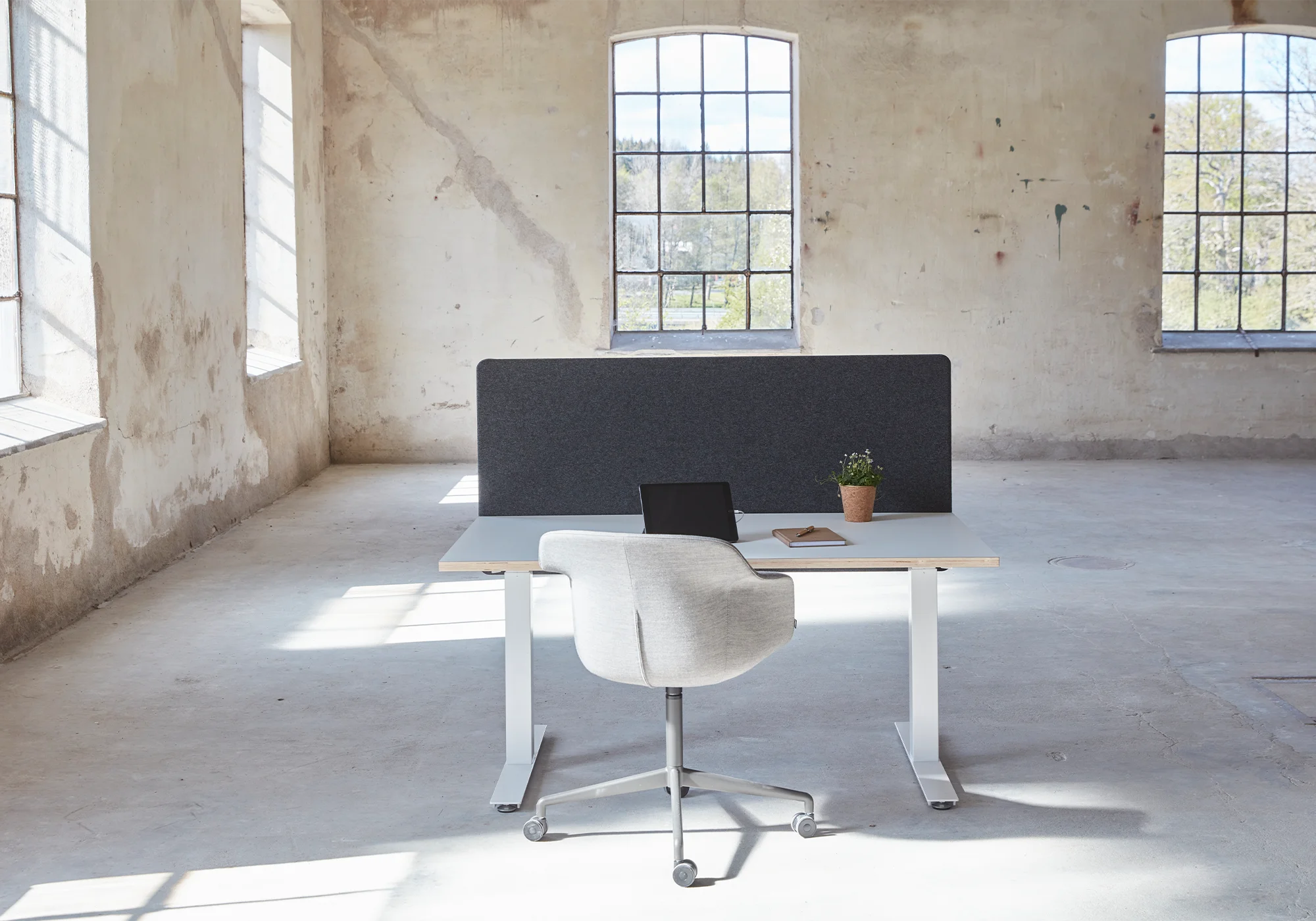
The screen should follow the desk width as closely as possible. As a rule, it should cover at least 80% of the desk width – ideally the full width when the desk is against a wall or in a bench row. A screen that’s too narrow leaves gaps on either side, which lets both sound and sightlines through.
Common desk widths and matching screen sizes
| Desk length | Recommended screen width | Use case |
|---|---|---|
|
120 cm |
100–120 cm |
Small individual desk, home office |
|
140 cm |
120–140 cm |
Standard individual desk |
|
160 cm
|
140–160 cm
|
Larger individual desk |
|
180 cm
|
160–180 cm
|
Executive / specialist desk |
|
Bench desk 2 × 140 cm |
2 × 140 cm eller 1 × 280 cm
|
Two workstations facing each other or in a row |
|
Bench desk 4 × 140 cm
|
One screen per workstation |
Open-plan office landscape |
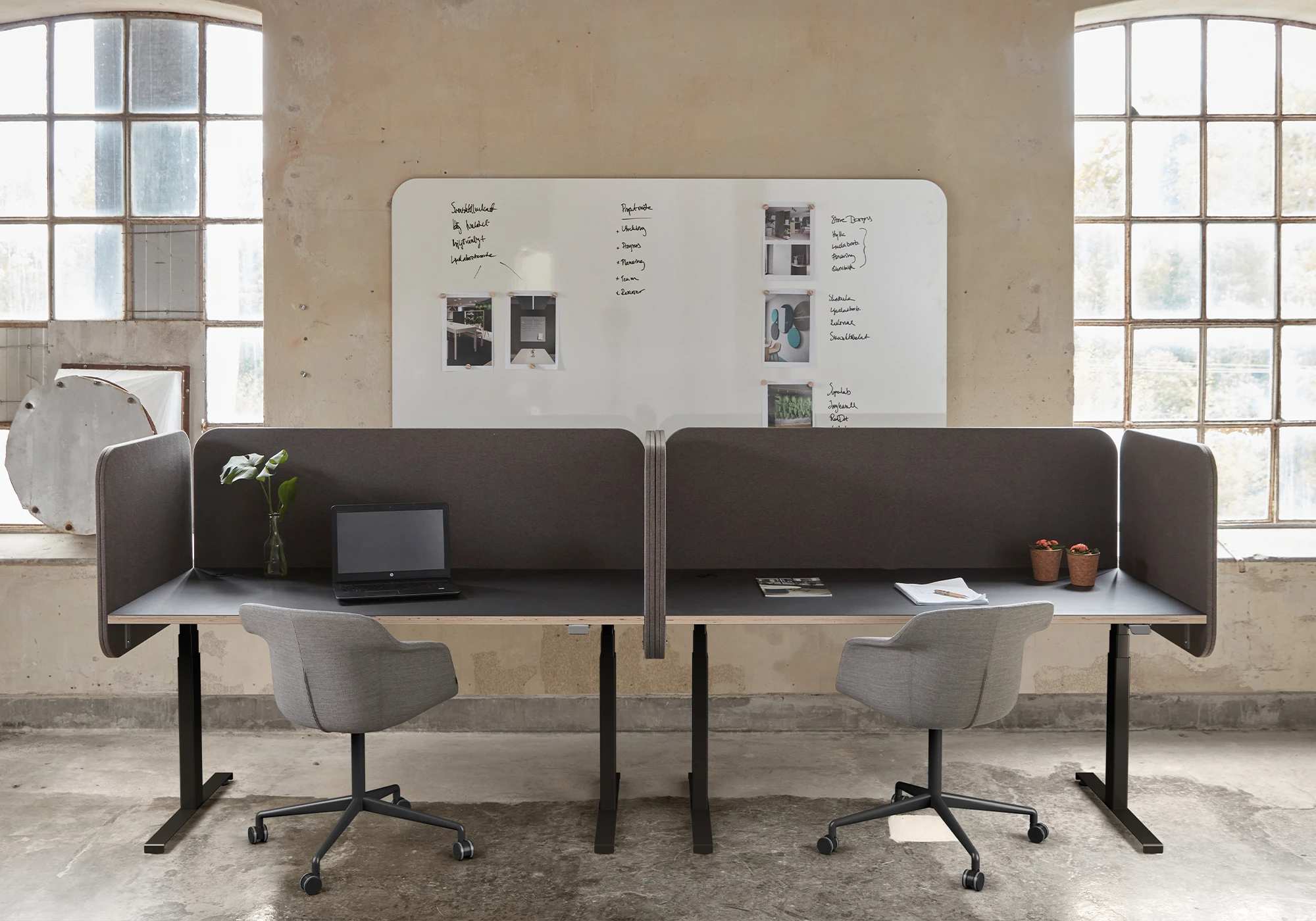
On bench configurations with multiple workstations, individual screens per person work better than one long continuous screen. It gives more flexibility when the layout needs to change later.
Getting the height right
Height is what determines how much visual and acoustic screening the desk screen actually provides. It’s measured from the desk surface upward.
Low screen: roughly 35–45 cm above the desk
A low screen works as a subtle divider. It dampens desk-level noise – keyboards, paper, quiet conversations – without blocking interaction with colleagues. The acoustic effect is limited, but it’s enough in offices that are already fairly quiet. It doesn’t create a sense of enclosure, which some people prefer.
Medium screen: roughly 45–55 cm above the desk
This is the most common choice in modern offices. A medium screen sits just above seated eye level, which blocks direct eye contact and catches most of the sound from nearby conversations. You can still see over it and interact easily when standing. It’s a good middle ground for general office work.
High screen: 55 cm or more above the desk
High screens create a more defined personal zone. They provide stronger sound dampening across multiple levels and are the right choice for concentrated work or roles that involve confidential conversations – customer service, HR, anything where privacy matters.
A useful rule of thumb
Seated eye height is typically 110–120 cm from the floor. A standard desk is 72–74 cm high. That means a 45–50 cm screen puts the top just above eye level when seated – the point where visual screening starts to be effective without making the space feel closed in.
Mounted or freestanding
Mounted desk screen
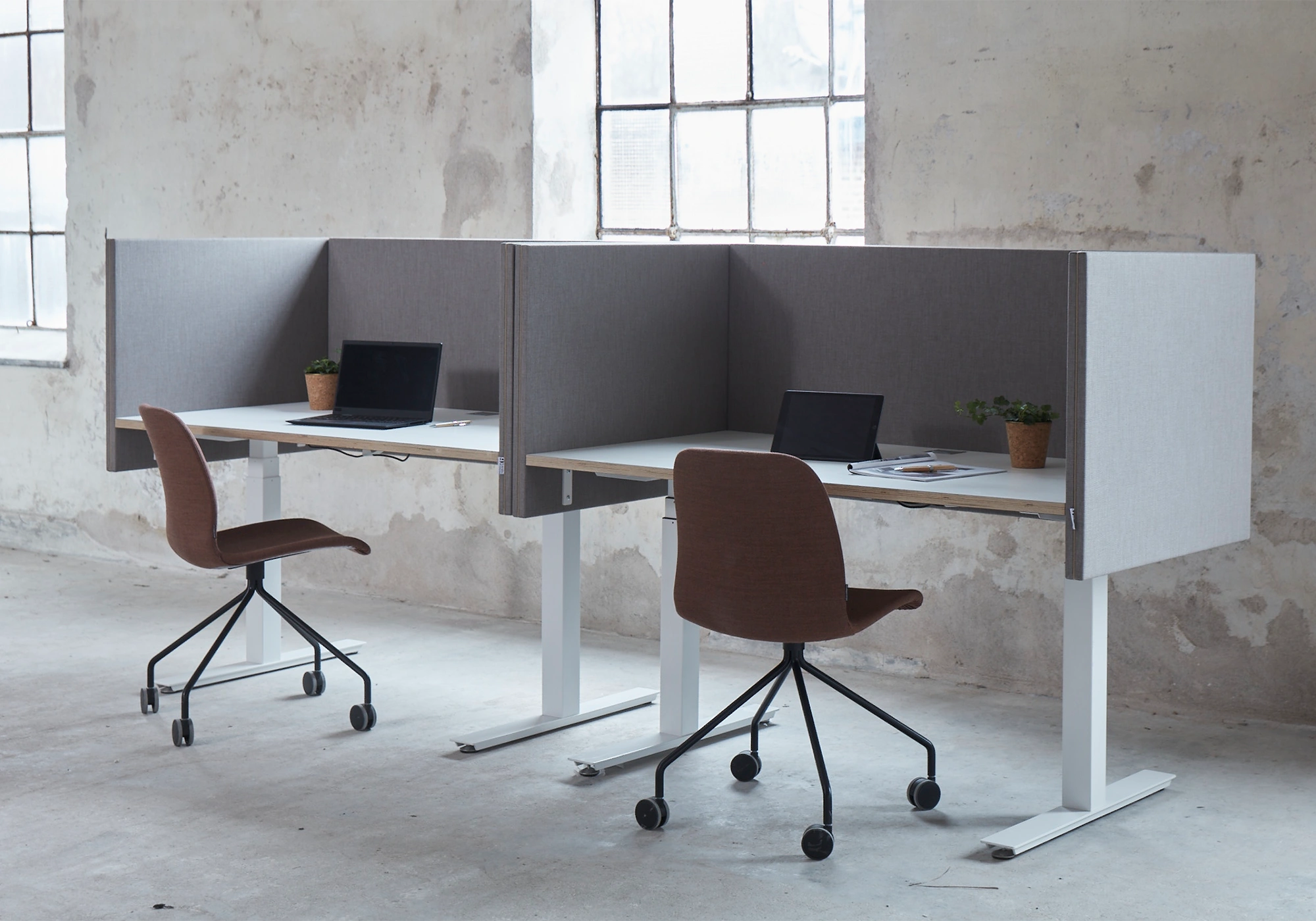
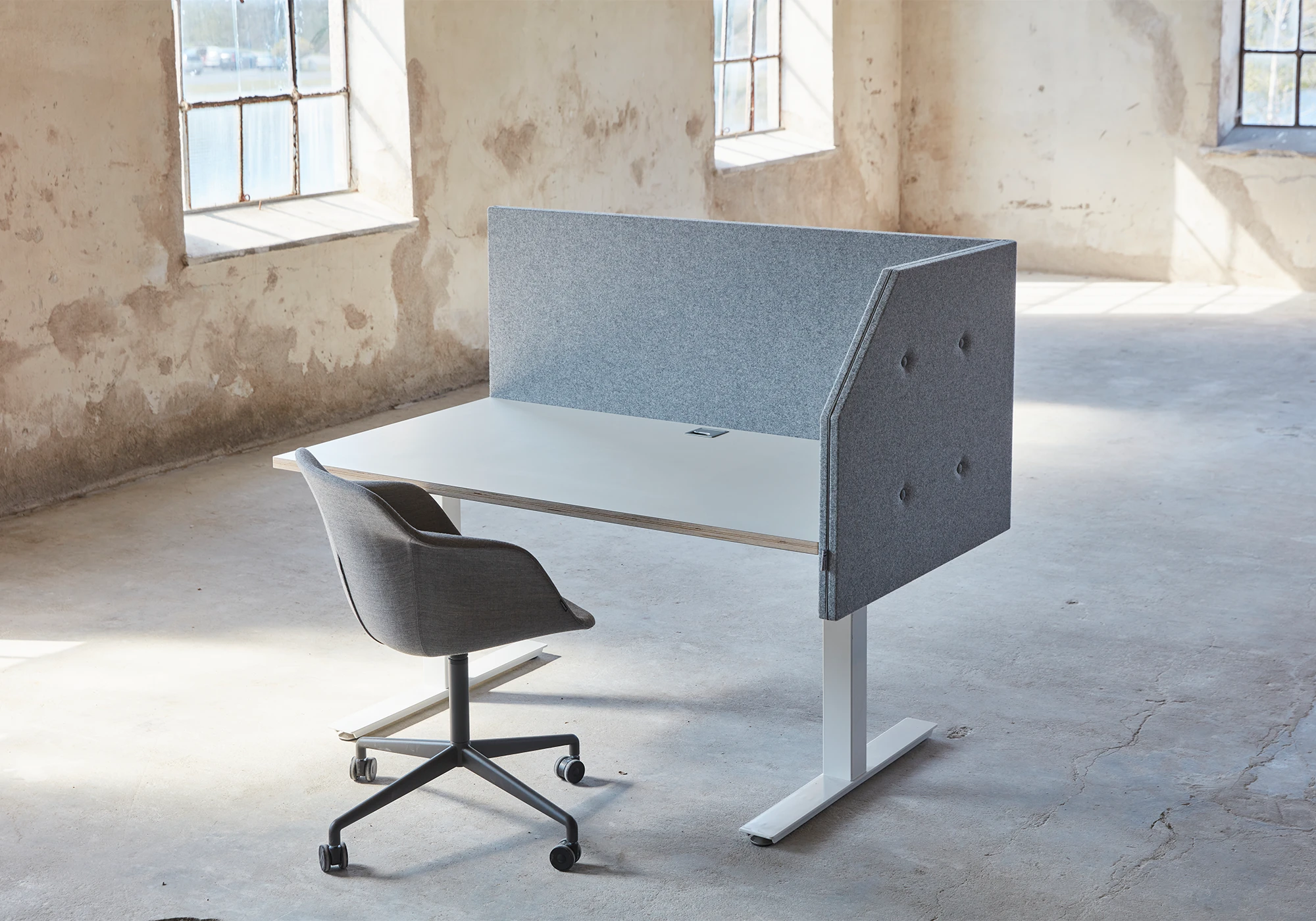
Mounted screens attach to the desk edge via clamps or brackets. They’re stable, stay in position, and don’t take up any of the desk surface. On height-adjustable desks, they move with the desk through height changes, which matters. Good for permanent workstations where the setup doesn’t change often.
Freestanding desk screen
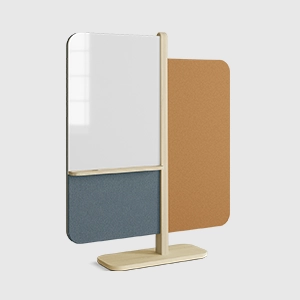
Freestanding screens sit on the desk or between workstations. No installation needed, and they’re easy to move around. If the office layout changes regularly, or if screens need to shift between spaces, freestanding is the more practical option.
How to choose
| Situation | Mounted | Freestanding |
|---|---|---|
|
Fixed workstations |
Recommended |
Works |
|
Activity-based offices |
Less suitable |
Recommended |
|
Height-adjustable desks |
Recommended
|
Works if stable |
|
Project / meeting tables |
Less suitable |
Recommended |
|
Minimal visual impact |
Recommended
|
Depends on model |
Placement for different desk setups
Single desk against a wall
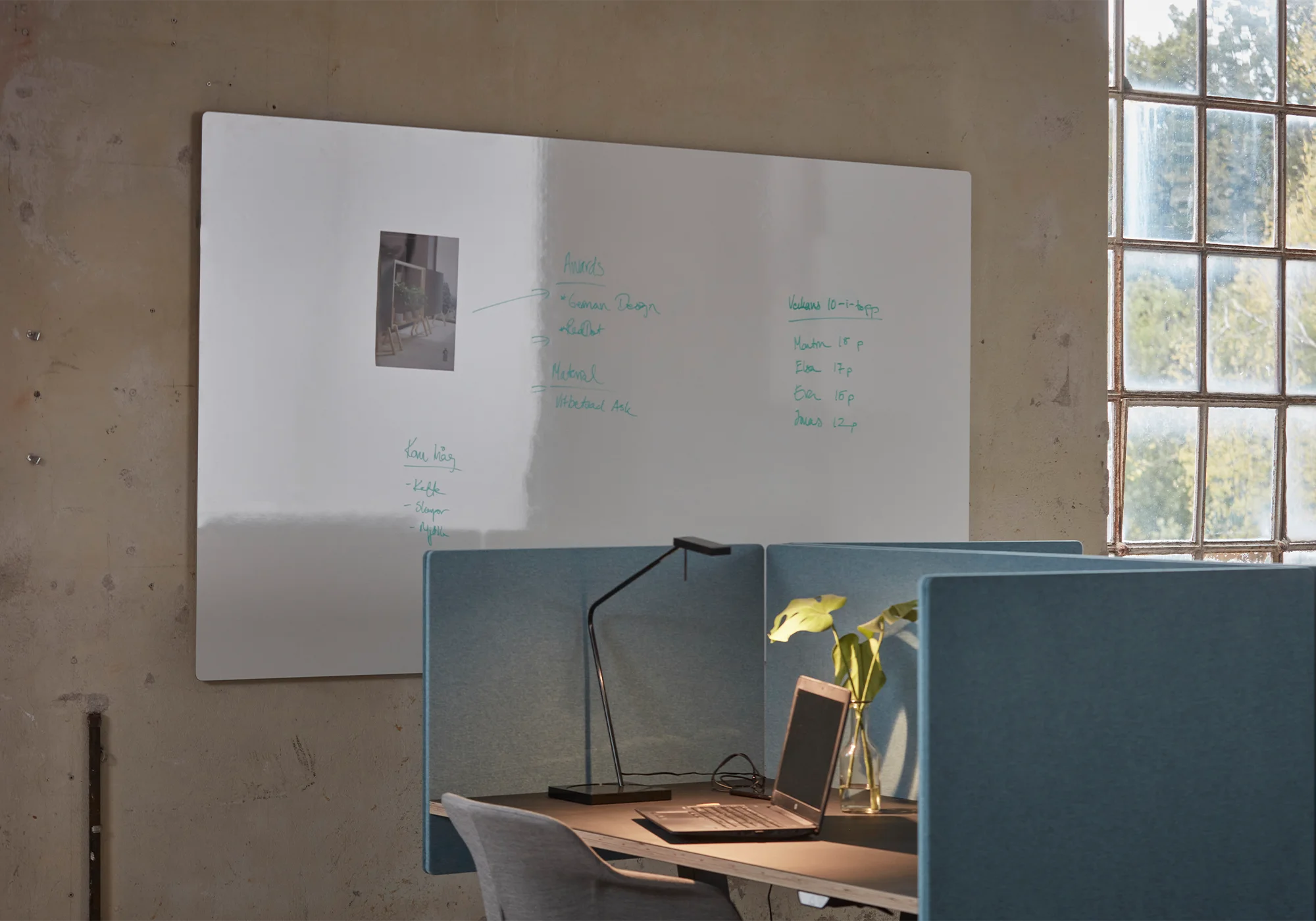
Place the screen on the side facing the open office to catch movement and conversation from the workspace. If the desk is in a corner, two screens – one along the back edge and one on the side – can create a natural work zone without feeling like a cubicle.
Bench desk – two workstations facing each other
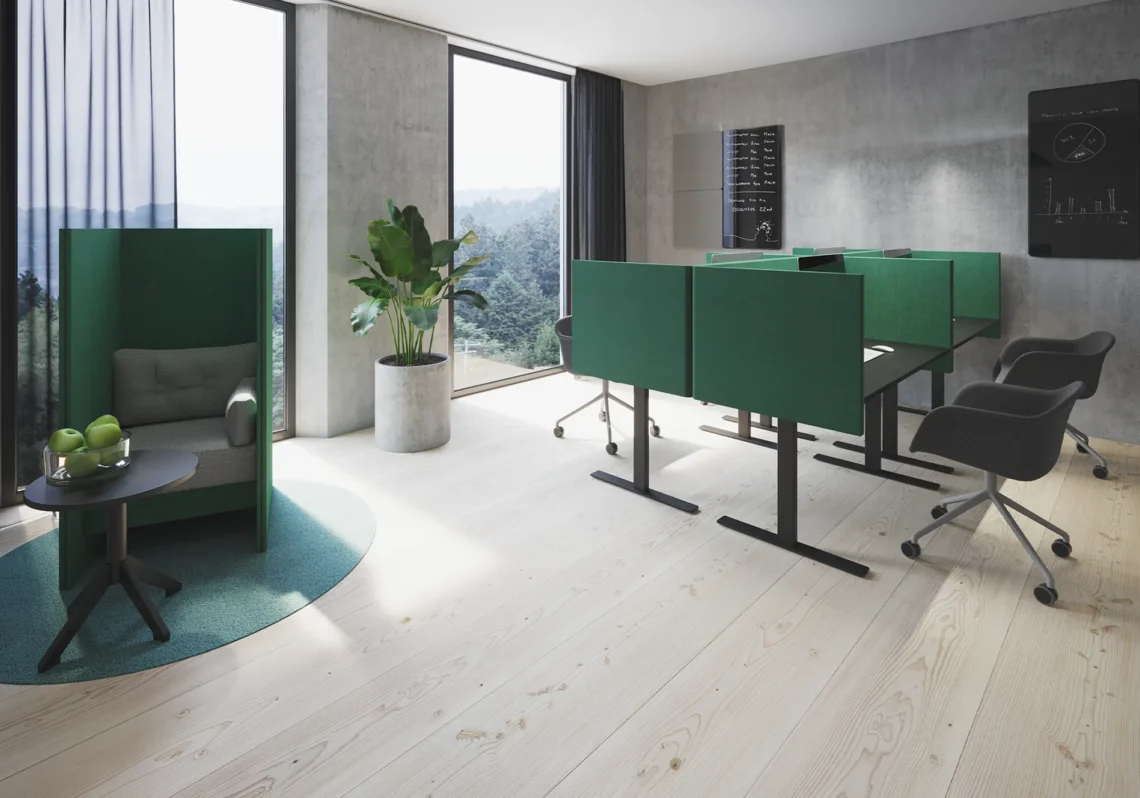
The screen goes between the inner edges of the two desks. Height should be medium or higher (45–55 cm) to break direct eye contact. In rows of four or more desks, matching screen models throughout makes the space look coherent and simplifies furniture management later.
Open-plan office landscape
In larger layouts, desk screens handle the near-field noise between adjacent workstations, while floor screens at the ends of rows manage the bigger sound paths. The two work together rather than either one replacing the other. If you’re working with a more complex layout, it’s worth looking at the separate guides on floor screens and partition walls.
Activity-based office
Freestanding screens make the most sense here. Low or medium heights work well and move quickly as group configurations change. Pair with mobile sound absorbers and floor screens to put together temporary quiet zones when needed.
Materials and acoustics
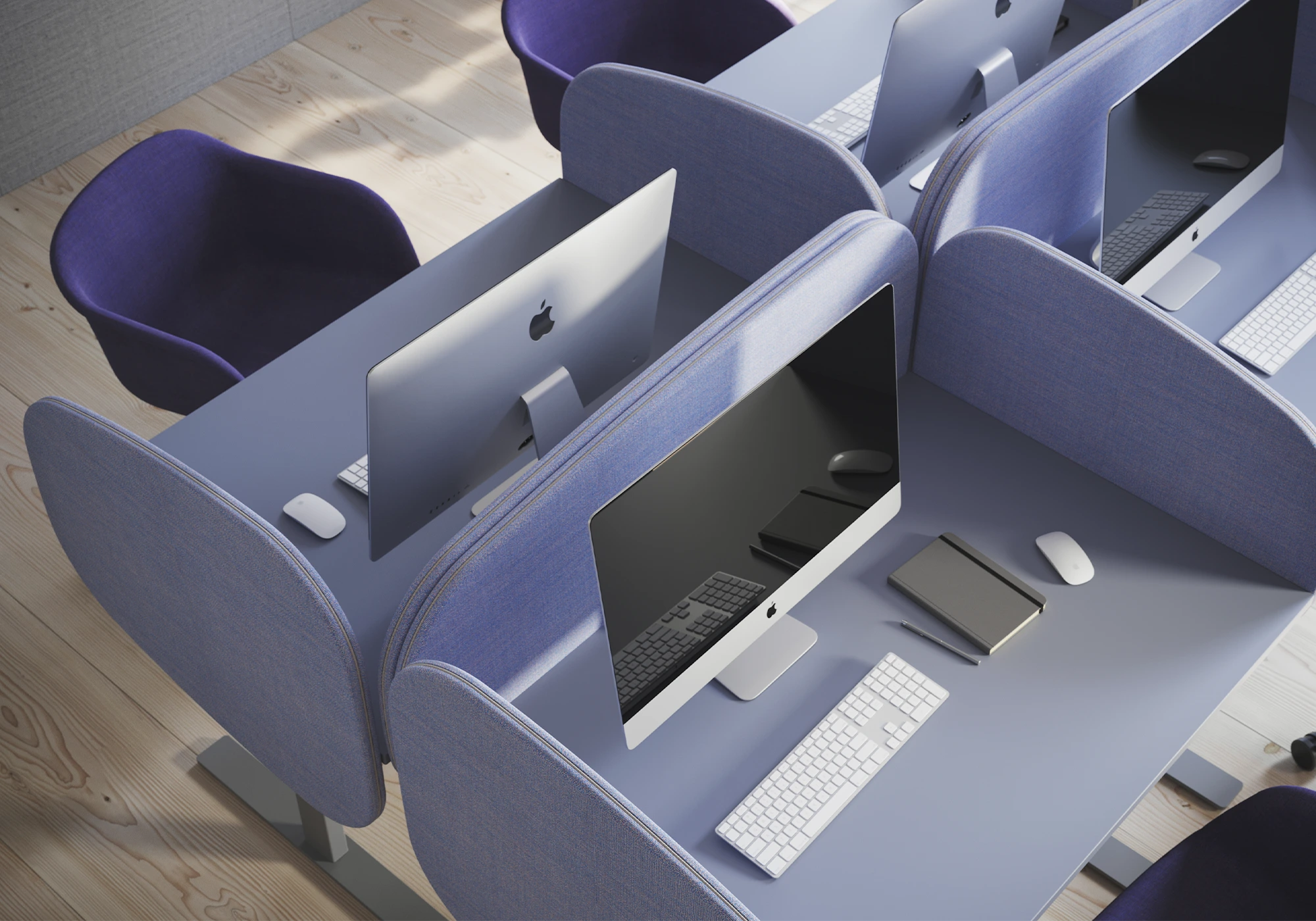
Desk screens absorb sound through their soft core, and the fabric choice affects both how they look and how they perform. Very dense weaves can actually reduce absorption, so it’s worth checking the spec rather than assuming more coverage means better results. Screens should be at least 30 mm thick to provide meaningful sound dampening.
The acoustic effect improves considerably when desk screens are used alongside wall absorbers and ceiling absorbers in the same room. Screens handle near-field noise at the workstation level; the other absorbers deal with reverberation in the space as a whole.
Common mistakes
- Screens under 40 cm in an open office. That height sits below seated eye level and does almost nothing for visual or acoustic screening.
- Screens that are too narrow relative to the desk. Side gaps let sound and sightlines straight through, which defeats the purpose.
- Mounting screens in zones that need to be flexible. Once a mounted screen is fixed to a desk, that workstation is locked to a specific function.
- Treating the desk screen as the only acoustic measure. Without wall, ceiling, or floor absorbers, a desk screen can only do so much – it works on near-field noise but can’t manage room reverberation on its own.
- Mixing screen models in the same row. It fragments the visual space and makes furniture reuse and reconfiguration more complicated down the line.
Checklist before you order
- Measure the desk width and choose a screen that covers at least 80% of it.
- Decide on height based on the work type: low for dialogue-heavy roles, medium for general office work, high for concentration or privacy.
- Choose freestanding for flexible environments, mounted for fixed workstations.
- Match the screen fabric and colour to the other acoustic elements in the room.
- If the space has hard surfaces and noticeable reverberation, supplement with ceiling or wall absorbers.
Frequently asked questions
For most offices, 45–55 cm above the desk surface is the sweet spot. It breaks direct eye contact during seated work while keeping the space open. High-concentration zones or roles requiring privacy benefit from taller models.
It should cover at least 80% of the desk width. For a 140 cm desk, that means 120–140 cm. On bench desks, individual screens per workstation work better than one long continuous screen.
Mounted screens are the more stable, discreet option for fixed workstations and height-adjustable desks. Freestanding screens are easier to move and better suited to activity-based or regularly reconfigured environments.
It handles near-field noise – conversations and sounds originating close to the workstation – and does that well. A larger office with noticeable reverberation will also need wall or ceiling absorbers. Screens and absorbers work on different parts of the problem.
Yes. Mounted screens attach to the desk edge and adjust with it. Freestanding screens work as long as they’re sitting stably on the surface without any fixed connections.
It depends on size, materials, and accessories. Contact us for a quote based on your volume and project requirements.
Summary
The right desk screen comes down to three decisions: width that matches the desk, height suited to the work, and a choice between freestanding or mounted depending on how often the layout changes. Get those three right and the screen becomes a natural part of the workspace – dampening sound and framing the desk without dominating the room. At Glimakra of Sweden, every desk screen is designed with both form and function in mind, so you can choose something that holds up over time.
Discover our products
See all our models on our category page for desk screens or contact us directly for advice regarding dimensions, height, and placement in your project.